What is PhotoCraft?
Background, licensing and the features documented by the project.
A familiar editor.
A fresh start.
ArtCraft’s free, open-source photo editor, built in Rust. Get to know the project, choose your build and find your way from the first layer to a finished image.
Independent resource. Not the official ArtCraft website.
MEET THE PROJECT
Get to know ArtCraft’s free, open-source photo editor: a native desktop application built in Rust, with layers, masks and color adjustments. Start with the project’s capabilities and current limitations.
Background, licensing and the features documented by the project.
Find the official repository, releases, source instructions and issue tracker.
GET THE RIGHT BUILD
Choose the official ArtCraft Launcher or a standalone PhotoCraft release. Our platform guides explain which file to use and where to find the project’s checksums.
Official release files, architecture choices and download verification.
Choose x64, x86 or ARM64, with installer and portable options.
Find the Universal build for Apple silicon and Intel Macs.
Choose a package for your distribution and processor.
LEARN THE WORKFLOW
Take the first steps from opening an image to saving a project. These guides explain the workflow and the checks to make before trusting an important file to a new editor.
Pick a starting point for installation, editing or working with PSD files.
Open an image, work with layers and export a separate copy.
Check fonts, masks and layer behavior when moving a Photoshop document.
Find commands in the app and check the bindings in your installed version.
MAKE AN INFORMED CHOICE
Compare the workflows that matter to your project: layers, PSD compatibility, hardware and access. The guides separate documented capabilities from results that need testing on your own files.
A practical comparison of scope, maturity and everyday workflows.
Consider layers, adjustments and output formats for your task.
A round-trip checklist for your documents, rather than an assumed fidelity score.
Read the current requirements and compare speed on a representative project.
FIND THE RIGHT FIT
Your choice depends on what you are making. Compare desktop and browser options, and understand when another ArtCraft application serves a different creative task.
Choose an editor around your file formats, workflow and delivery needs.
Meet the ArtCraft sibling for vector work, a different job from photo editing.
A LITTLE PRACTICE
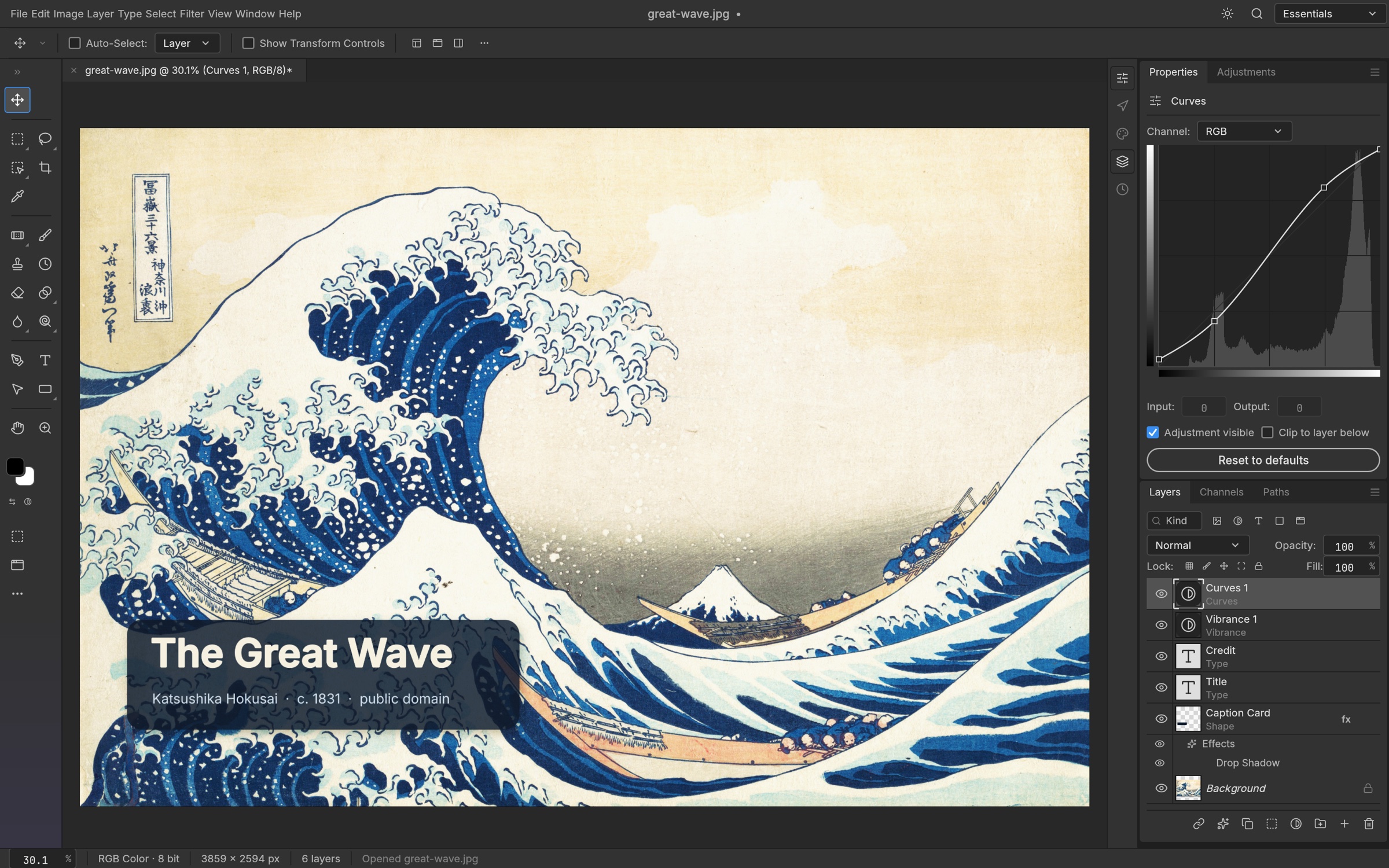
Start with the sample or choose a photo. Adjust color, crop, add text and export a PNG or JPEG.
Independent demo, not the full PhotoCraft app. JPG, PNG and WebP only; PSD files are not supported.
Get the full PhotoCraft app ↗Yes. PhotoCraft is free to download, and its source code is available under the MIT license. ArtCraft branding has separate terms.
The project documents support for layered PSD files. Compatibility depends on the document and software version; test a copy before editing important work.
Yes. Official release files are available for Windows, macOS and Linux. Choose a build that matches your operating system and processor.
No. This site’s independent basic editor accepts JPG, PNG and WebP images. It is not the full PhotoCraft application and does not support PSD files.
No. This is an independent guide. The official product website and repository are maintained by ArtCraft.
YOUR NEXT CREATIVE STEP
Choose a build and make your first edit with the guide beside you.