Chinese text · official CLI
PhotoCraft CLI Chinese text: Unicode, fonts and a reproducible PNG workflow
Use the official CLI and the exact commands to reproduce this Chinese-text task. The record checks the command-line engine, saved text and rendered output; it does not claim verified desktop typing or Chinese input-method composition.
Build, environment and task outcome
| Recorded field | Value |
|---|---|
| PhotoCraft version | PhotoCraft CLI 0.7.0 — official macOS Universal release |
| Operating system | macOS 15.5 (24F74) |
| Processor / architecture | Apple M2 · arm64 |
| Test date | 2026-10-11 |
| Task outcome | Passed |
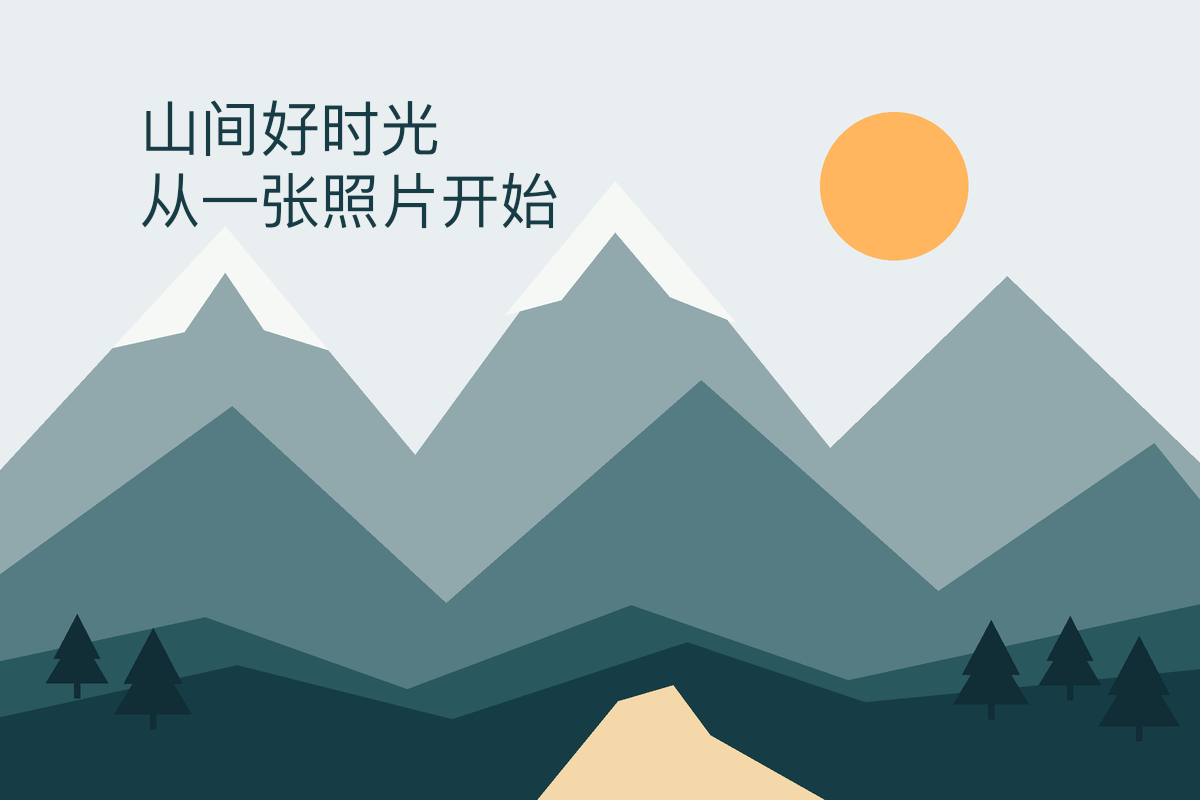
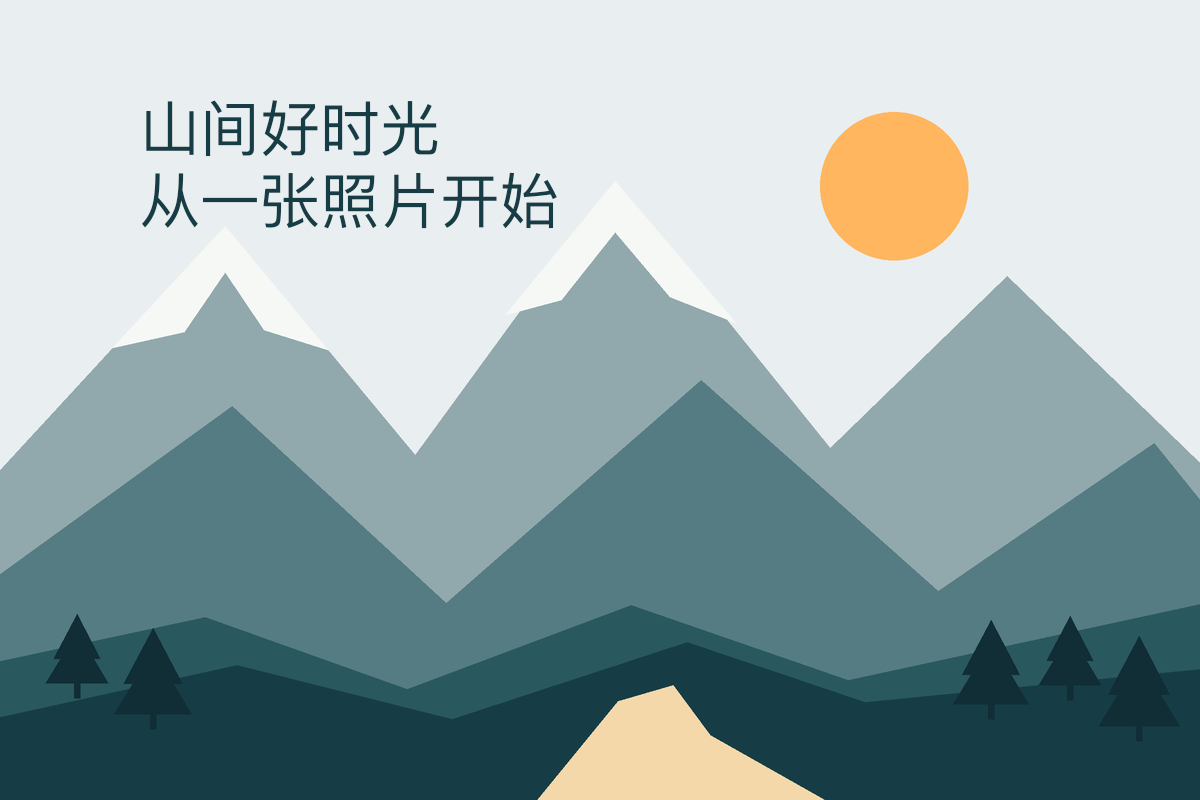
The supplied two Chinese lines rendered with PingFang SC Regular, 60 pt. The actual PSD retained a type layer, and exporting again after reopening produced the same PNG. The source background pixels were unchanged.
The actual text-insertion method
The official CLI type.edit command received a UTF-8 JSON text string with an explicit newline. No desktop paste or Chinese input-method candidate composition was performed.
The exact input material
Download both reproducible workflows
Prepared layered input: YOUR TITLE
Prepared using the official CLI: the original mountain artwork plus a real YOUR TITLE type layer at (140,150), PingFangSC-Regular, 60 pt. The PSD references the font but does not bundle it.
Download the exact input file · 1200 × 800 px
Original mountain background
This PNG is the background source used to prepare the layered input; it is not the edited result.
Download the exact input file · 1200 × 800 px · CC0


Prepare the official CLI and working directory
Use the official PhotoCraft CLI 0.7.0 macOS Universal package linked below. The commands assume its photocraft-cli executable is available on PATH. Extract the workflow pack and run from the directory containing practice/. Keep the originals and write all results to practice/output/. This is a command-line workflow, not a record of typing into the desktop application.
Download this release’s official macOS Universal CLI ZIP · photocraft-cli-0.7.0-macos-universal.zip
The commands below apply to the recorded macOS environment. If the CLI is not on PATH, replace photocraft-cli at the start of each command with the path to the unpacked executable. Run from the specified working directory with the stated input and output names. The desktop application and CLI are different entry points.
The actual CLI steps and commands
- Replace the existing title and inspect its layout
type.edit changes the prepared type layer to two lines. The JSON contains a literal \n escape. The recorded type.info output reported two lines with baselines at 0 and 72 pixels.
photocraft-cli run practice/source/chinese-title-starter.psd --cmd type.edit --params '{"text":"山间好时光\n从一张照片开始"}' --cmd type.info --params '{}' --out practice/output/chinese-text-test-cli.psd - Export the saved layered project to PNG
Export from the actual saved PSD. Inspect the PNG rather than relying only on a successful command exit.
photocraft-cli convert practice/output/chinese-text-test-cli.psd practice/output/chinese-text-test-cli.png - Reopen, save a second PSD and export again
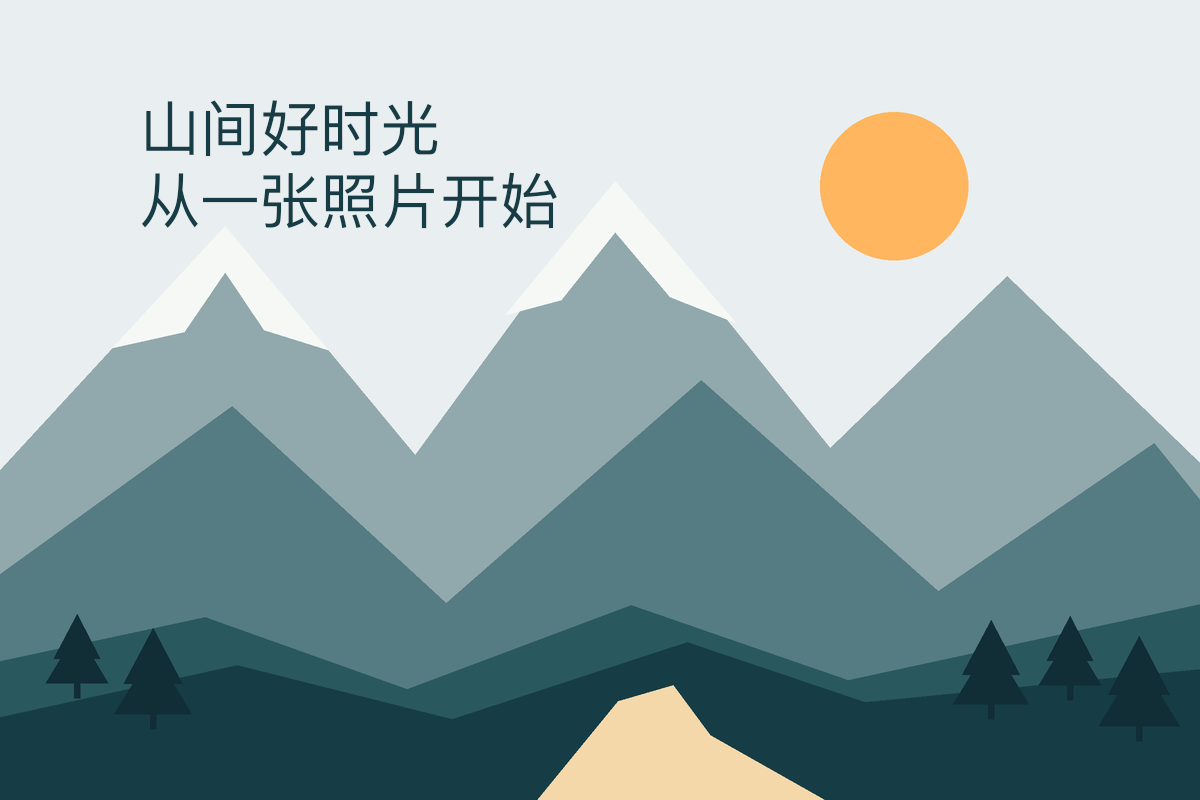
The official CLI reloaded the first PSD before writing another PSD and PNG. The second PNG matched the first pixel for pixel; both PSDs retained the same Chinese type string.
photocraft-cli info practice/output/chinese-text-test-cli.psd --compact
photocraft-cli convert practice/output/chinese-text-test-cli.psd practice/output/chinese-text-test-cli-reopened.psd
photocraft-cli convert practice/output/chinese-text-test-cli-reopened.psd practice/output/chinese-text-test-cli-reopened.png
Actual outputs and individual checks
| Check | Result | Observation |
|---|---|---|
| Chinese text and explicit newline | Passed | The intended UTF-8 string is present in the actual type layer. The renderer laid out two lines. |
| Font and editable layer structure | Passed | PingFangSC-Regular, 60 pt, two layers: pixel and type. This confirms the saved structure, not editing behaviour in every application. |
| Original background | Passed | The background layer pixels are unchanged from the source PNG. |
| Saved project and PNG after reopening | Passed | 1200 × 800 PNG; reopening the saved PSD and exporting again produced an identical PNG. |
| Desktop text entry and Chinese IME composition | Not tested | CLI text insertion does not establish desktop paste, pinyin candidate composition, or on-canvas editing. |
- chinese-text-test-cli.psd · 408,015 bytes
- chinese-text-test-cli.png · 69,321 bytes
- chinese-text-test-cli-reopened.psd · 408,015 bytes
- chinese-text-test-cli-reopened.png · 69,321 bytes
Scope and unverified behaviour
Only these two lines and the installed PingFang SC font were checked on this Mac. Windows, Linux, other fonts, complex typography, desktop IME input and Photoshop handoff were not tested.
This record covers only the stated text, font, build and Mac. Direct Unicode insertion or paste does not establish compatibility with Chinese input-method candidate composition. Other fonts, scripts and platforms require their own checks.
For the basic document workflow, start with the first-edit record.